Manage a Cluster
Cluster Overview
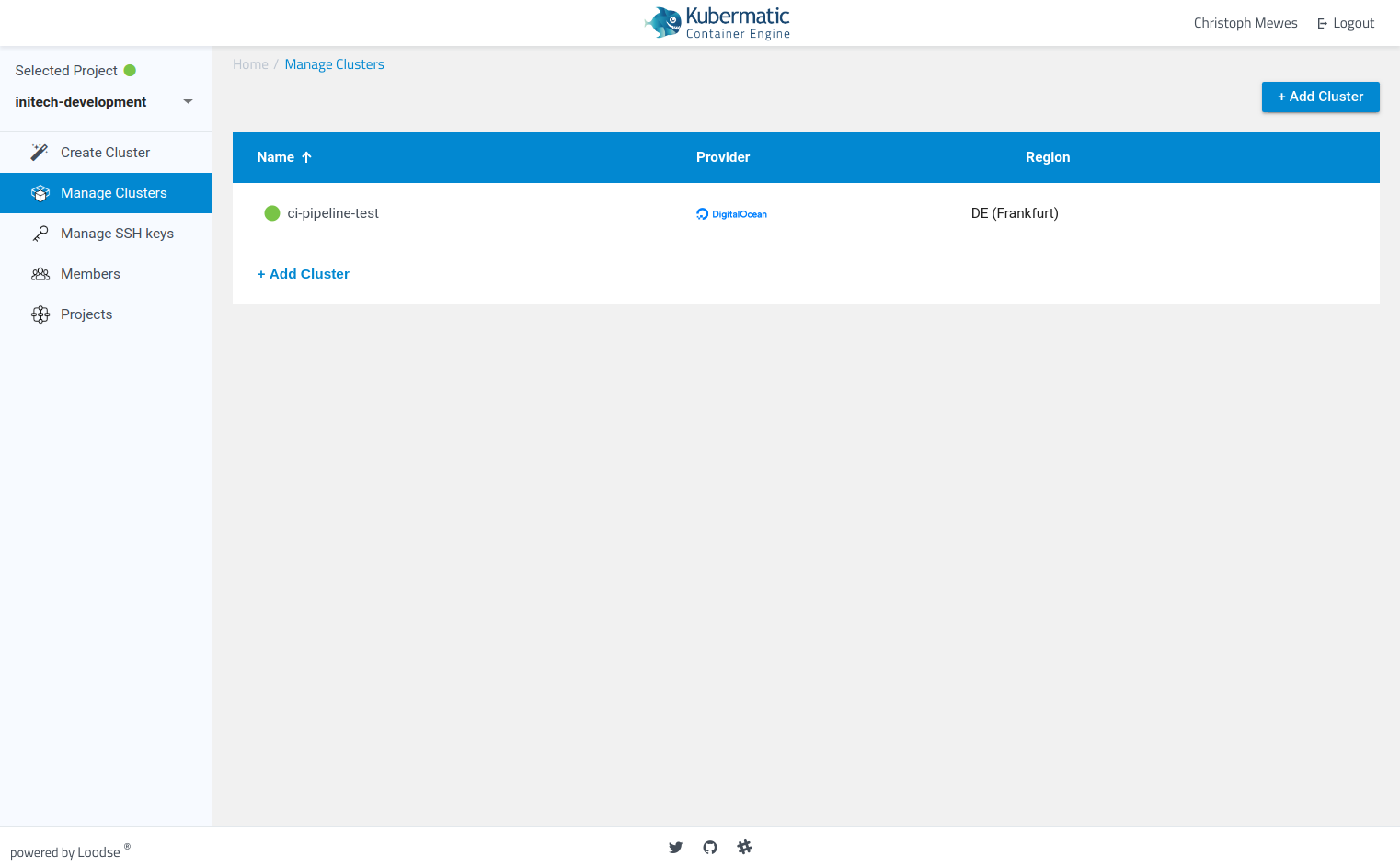
Via the menu item “Manage Cluster” you can display your active clusters.
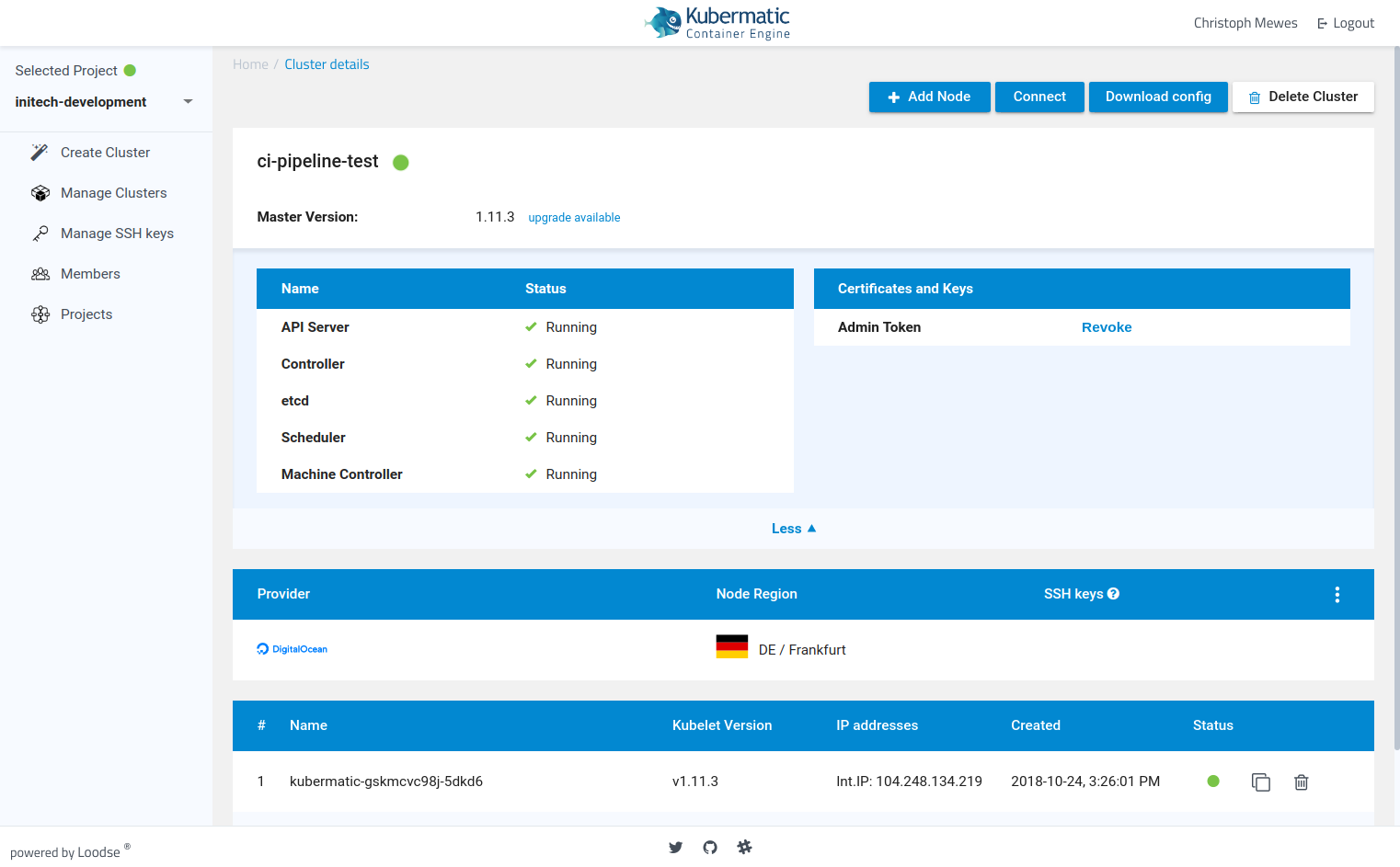
Basic Cluster Information
The dashboard provides you with all important cluster information. You can check the status of your master components and worker nodes.
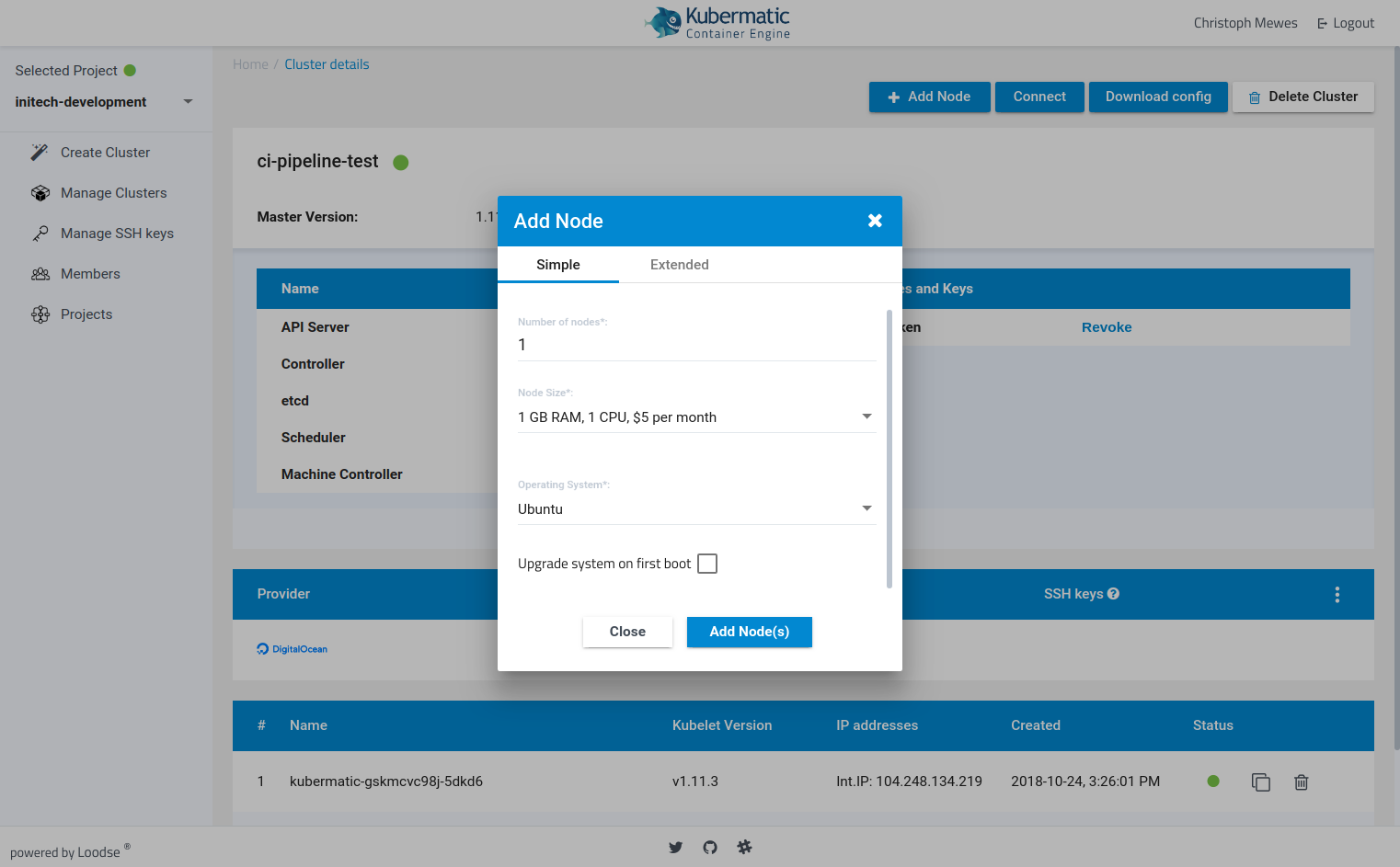
Adding New Nodes to Your Cluster
You can easily extend your cluster with new worker nodes. KKP will automatically configure them and integrate them into your cluster.
Connect to the Cluster
KKP automatically creates your clusters kubeconfig file.
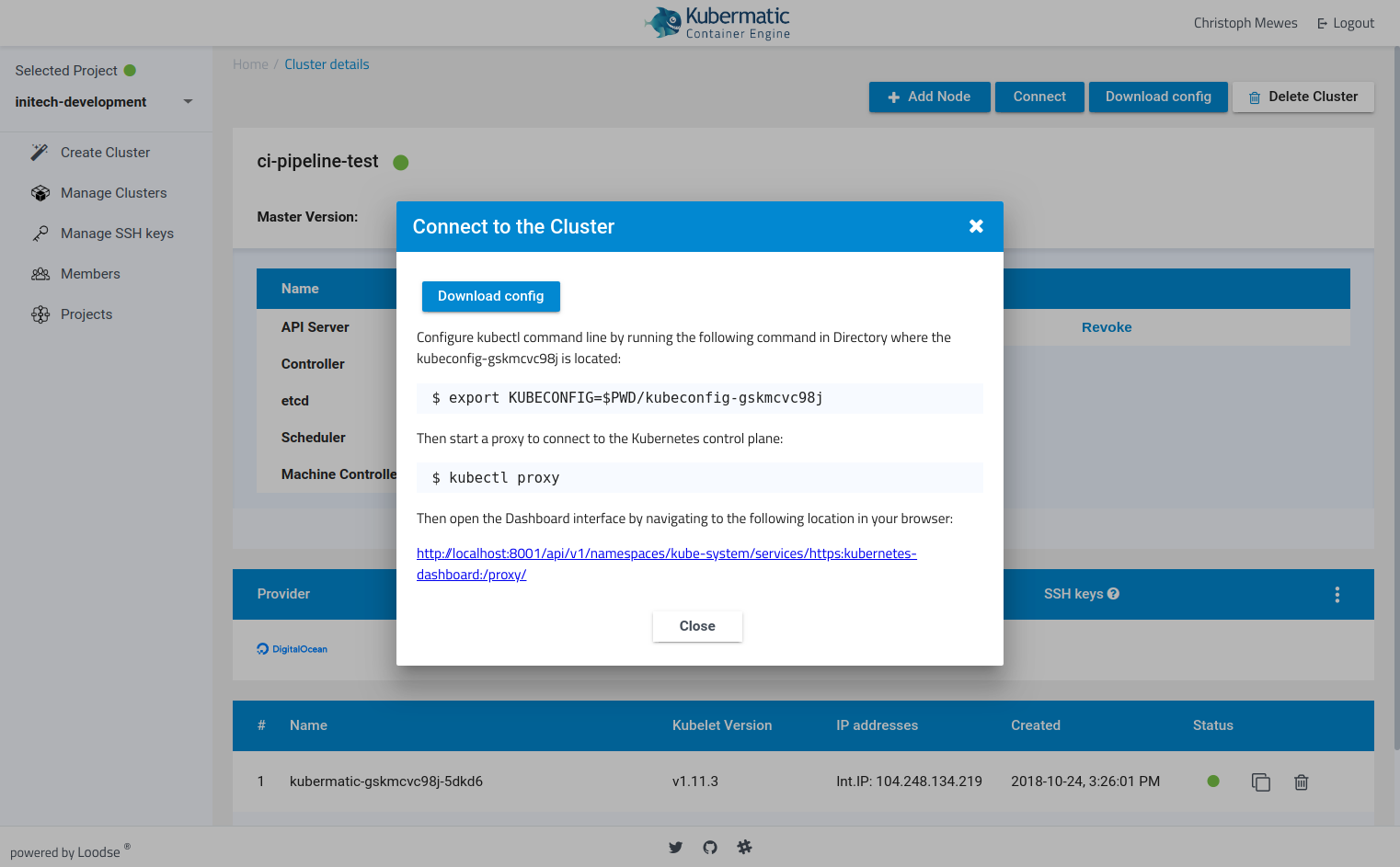
To connect to your cluster configure kubectl command line tool to use your kubeconfig file
export KUBECONFIG=$PWD/<your-config-file>
You are now able to proxy into your cluster and run your favorite kubectl commands!
export KUBECONFIG=$(pwd)/<your-config-file>
kubectl get nodes

NAME                          STATUS    ROLES     AGE       VERSION
kubermatic-4js24fv79x-4cqsc   Ready     <none>    1h        v1.10.3
kubermatic-4js24fv79x-r2b9r   Ready     <none>    1h        v1.10.3
kubermatic-4js24fv79x-z2xn5   Ready     <none>    1h        v1.10.3