Image Discovery
When creating a Machine Deployment for an OpenStack cluster, the Image field defines the Glance image the
machines are booted from. By default, this field is filled from the single default image that is configured per
operating system in the Seed datacenter (spec.datacenters.<dc>.spec.openstack.images.<os>), which means users
cannot pick a different image that already exists in their OpenStack project without knowing and typing its exact
name.
Image Discovery lets the dashboard query the OpenStack Image service (Glance) and offer the images of the OpenStack project in a dropdown, filtered by the operating system that is selected in the node form.
The feature is controlled by the enableImageDiscovery admin setting and is disabled by default.
Default Behavior (Image Discovery Disabled)
With image discovery disabled, the Image field is a single-value, non-editable dropdown. It is pre-filled with the default image defined for the selected operating system in the OpenStack datacenter spec of the Seed:
openstack:
  authURL: https://our-openstack-api/v3
  region: "region-1"
  # Those are default images for nodes which will be shown in the Dashboard.
  images:
    ubuntu: "Ubuntu Noble 24.04 (2026-05-22)"
    flatcar: "Flatcar Stable (2026-06-02)"
    rhel: "machine-controller-e2e-rhel-9-6"
    rockylinux: "Rocky Linux 9"
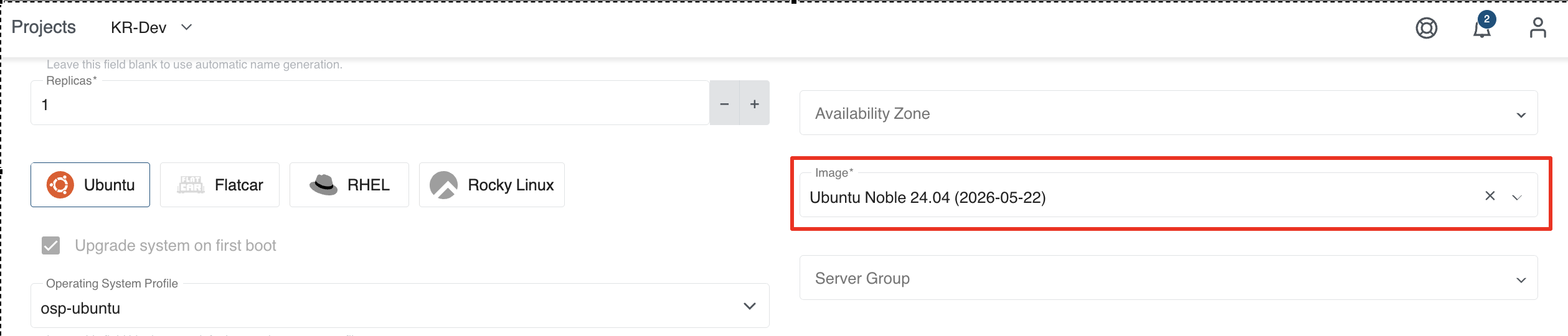
Switching the operating system switches the field to the default image configured for that operating system.
Enabling Image Discovery
Image discovery is a global admin setting. To enable it from the dashboard, go to the Admin Panel, open the Defaults page and find the Provider Defaults section. Enable the OpenStack - Image Discovery option.
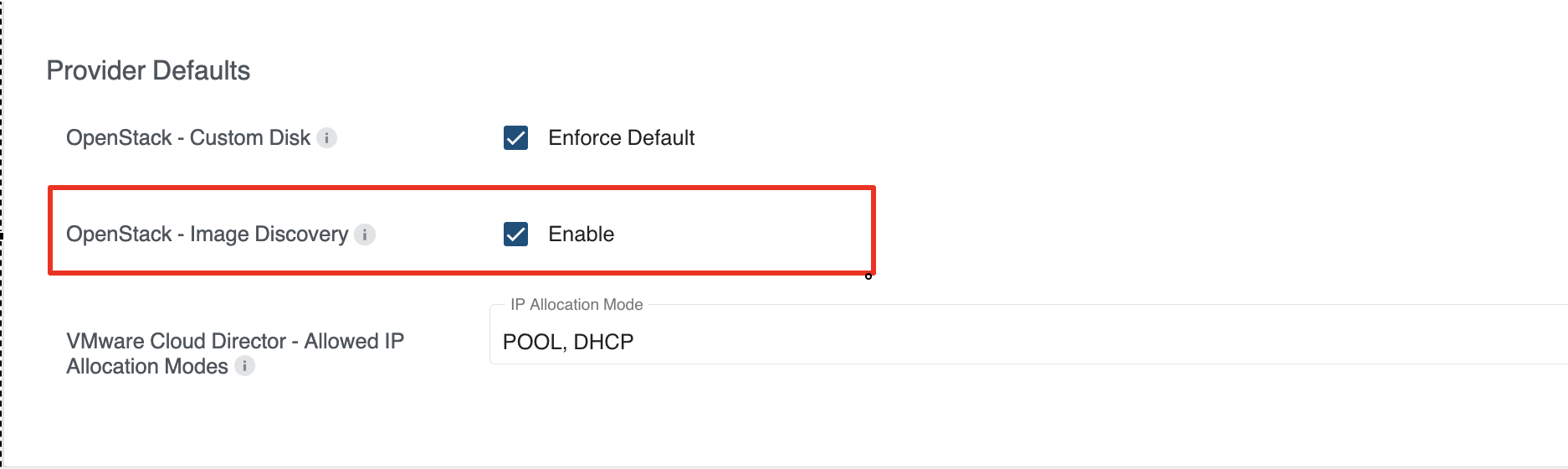
The same setting can be changed with kubectl by editing the globalsettings object of the KubermaticSetting
CRD:
kubectl edit kubermaticsetting globalsettings
apiVersion: kubermatic.k8c.io/v1
kind: KubermaticSetting
metadata:
  name: globalsettings
spec:
  providerConfiguration:
    openStack:
      enableImageDiscovery: true
Using Image Discovery
Once the setting is enabled, the Image field in the Initial Nodes step of the cluster creation wizard and in the Add Machine Deployment dialog becomes a searchable dropdown that lists the images discovered in the OpenStack project for the currently selected operating system. You can also type to filter the list by image name.
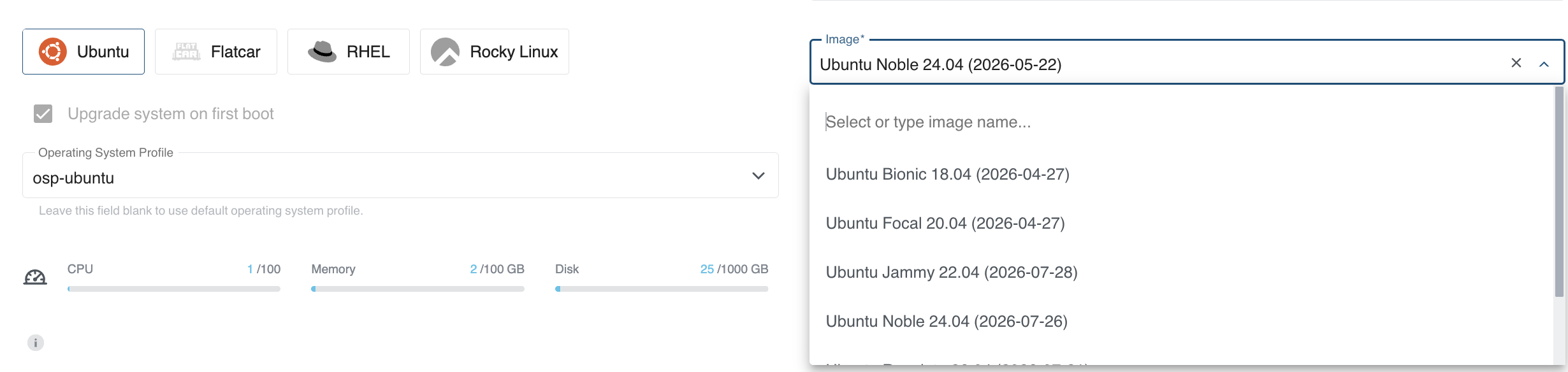
Selecting a different operating system re-runs the discovery and updates the list accordingly.
Flatcar
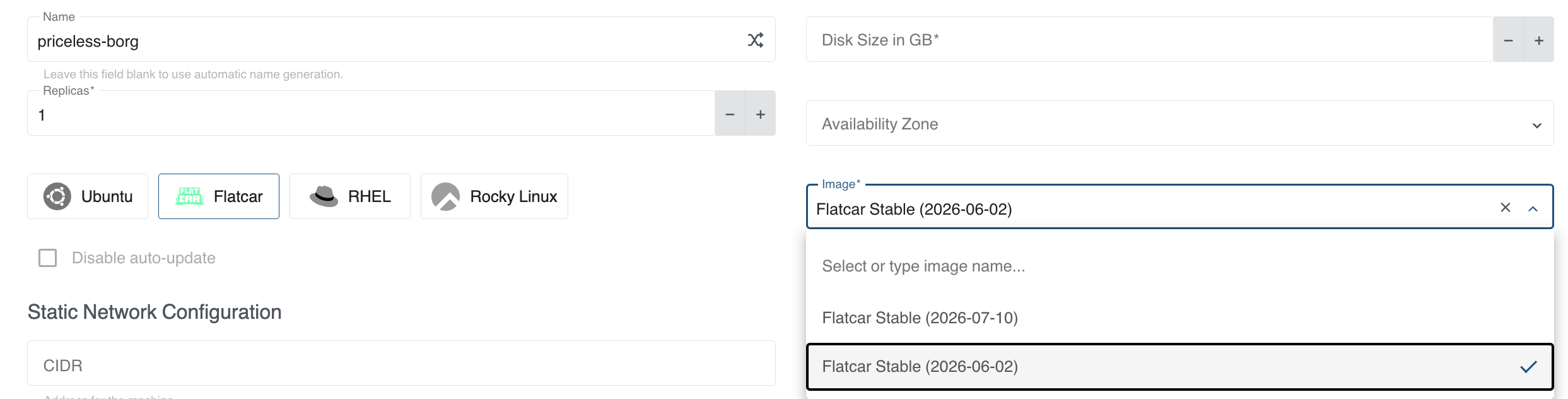
How Images Are Matched To An Operating System
KKP lists the active images of the OpenStack project and then matches them against the selected operating
system using the os_distro Glance metadata property of each image:
- The comparison is case-insensitive and matches on a prefix, so an
os_distroofrhel-9matchesrhel. - Images without an
os_distroproperty are not considered a match.
The following os_distro values are recognized per operating system:
| Operating System | Matched os_distro values |
|---|---|
| Ubuntu | ubuntu |
| Flatcar | flatcar |
| RHEL | rhel, redhat |
| Rocky Linux | rocky, rockylinux |
| Amazon Linux 2 | amzn, amazon |
For any other operating system, the lowercase name of the operating system is used as the value to match against.
If no image matches the selected operating system - for example because the images in the project are not tagged
with os_distro - KKP falls back to the default image configured for that operating system in the datacenter
spec, so the dropdown behaves as if discovery were disabled.
To tag your Glance images so that they are discovered, set the os_distro property on the image, for example:
openstack image set --property os_distro=ubuntu <image>.
When only a single image is available for the selected operating system, the dropdown is not interactive and simply shows that image, which is the same experience as with image discovery disabled.
Image discovery requires the OpenStack credentials used for the cluster (or the credentials of the selected preset) to be allowed to list images in the OpenStack Image service (Glance). If listing the images fails, the field is cleared and you can type the image name manually.