Overview
KubeLB Dashboard is the web UI for KubeLB. A single chart and binary cover both Community and Enterprise editions — the edition is detected internally at runtime, so there is no separate EE build. Source code and upstream documentation live at kubermatic/kubelb-dashboard; consult that repository for the current feature set.
Screenshots
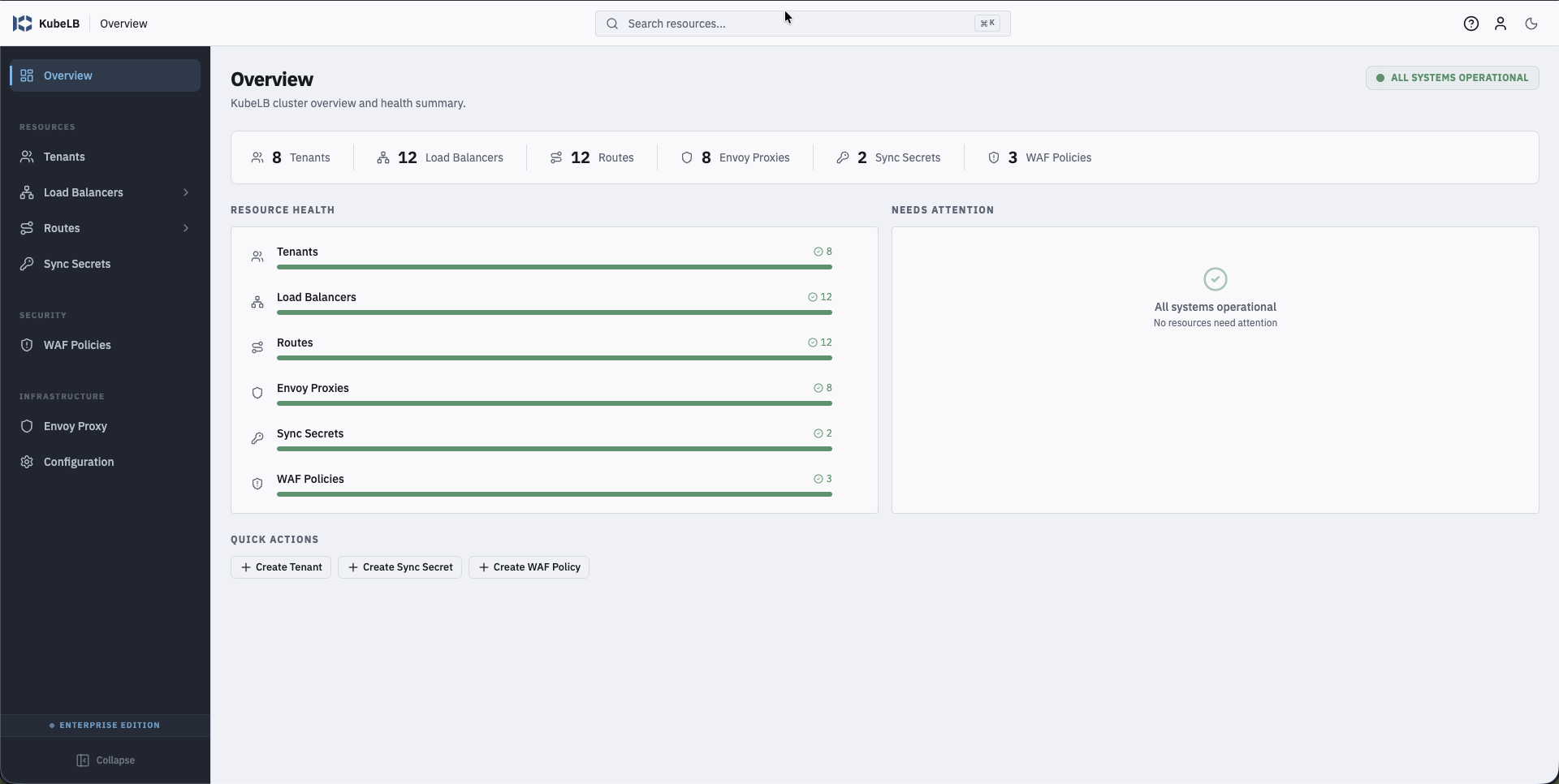
Cluster overview with resource counts and health:
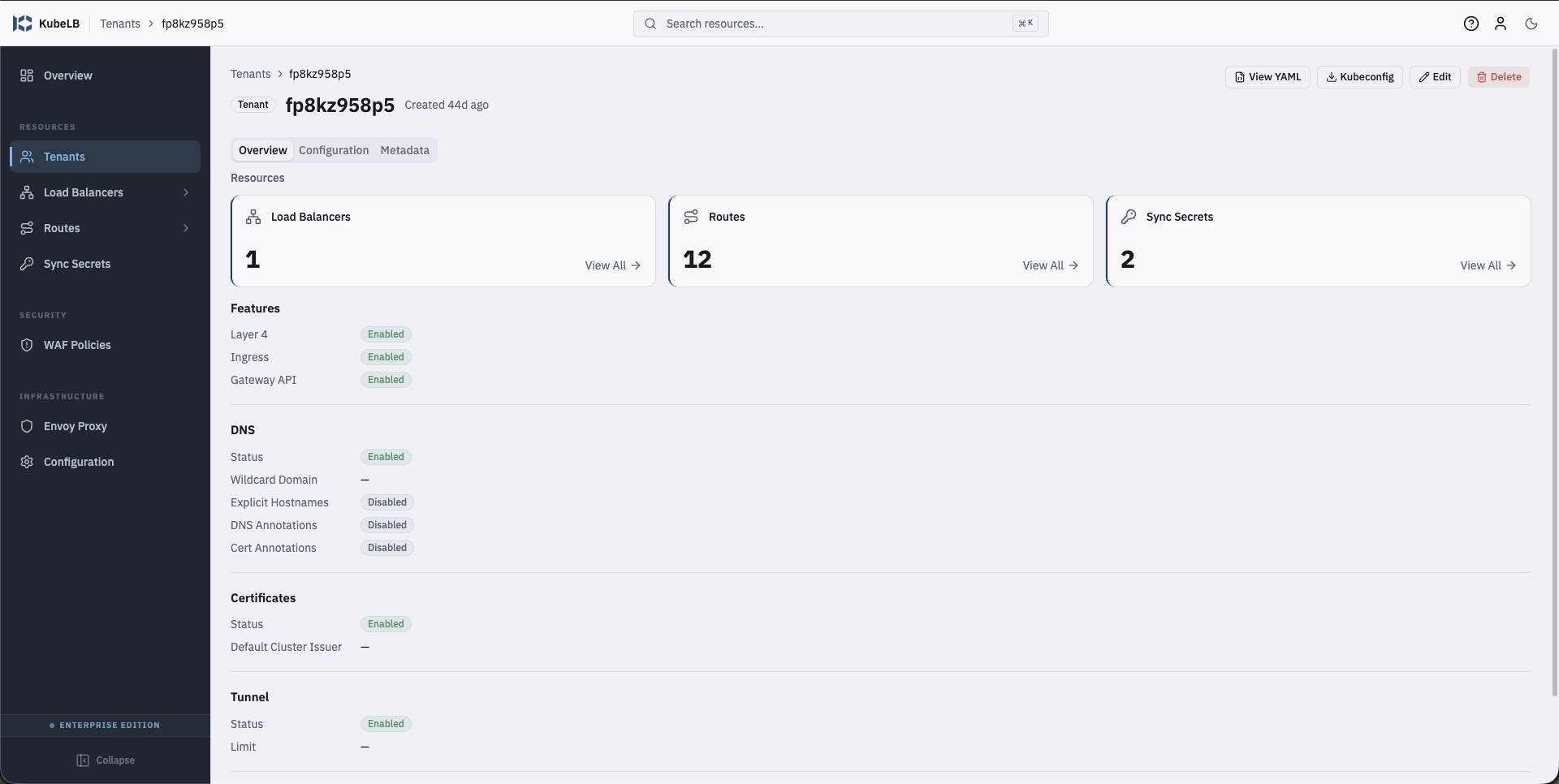
Tenant detail showing enabled features, DNS, certificates, and tunnel configuration:
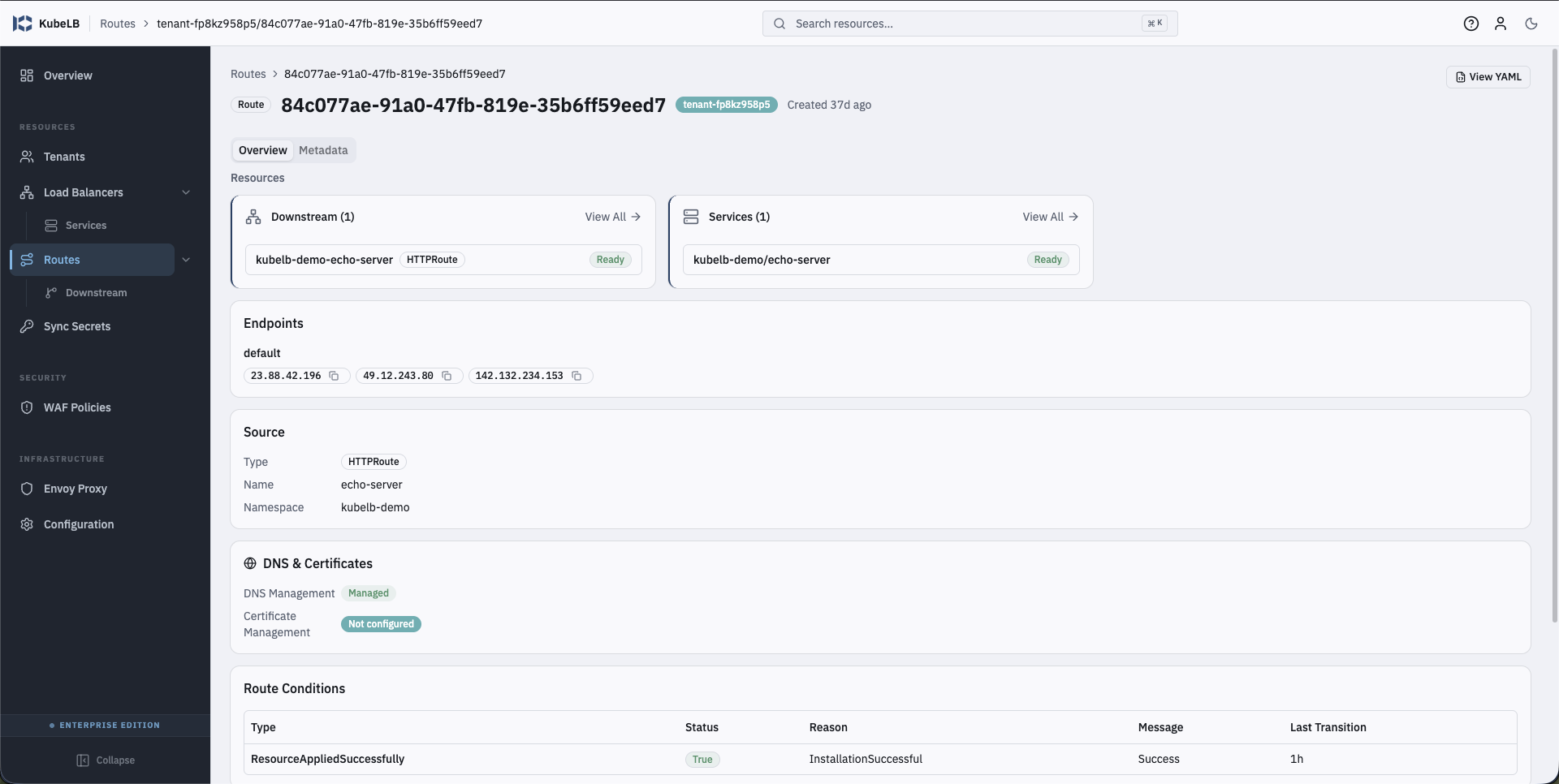
Route detail with endpoints, source, DNS/certificate state, and route conditions:
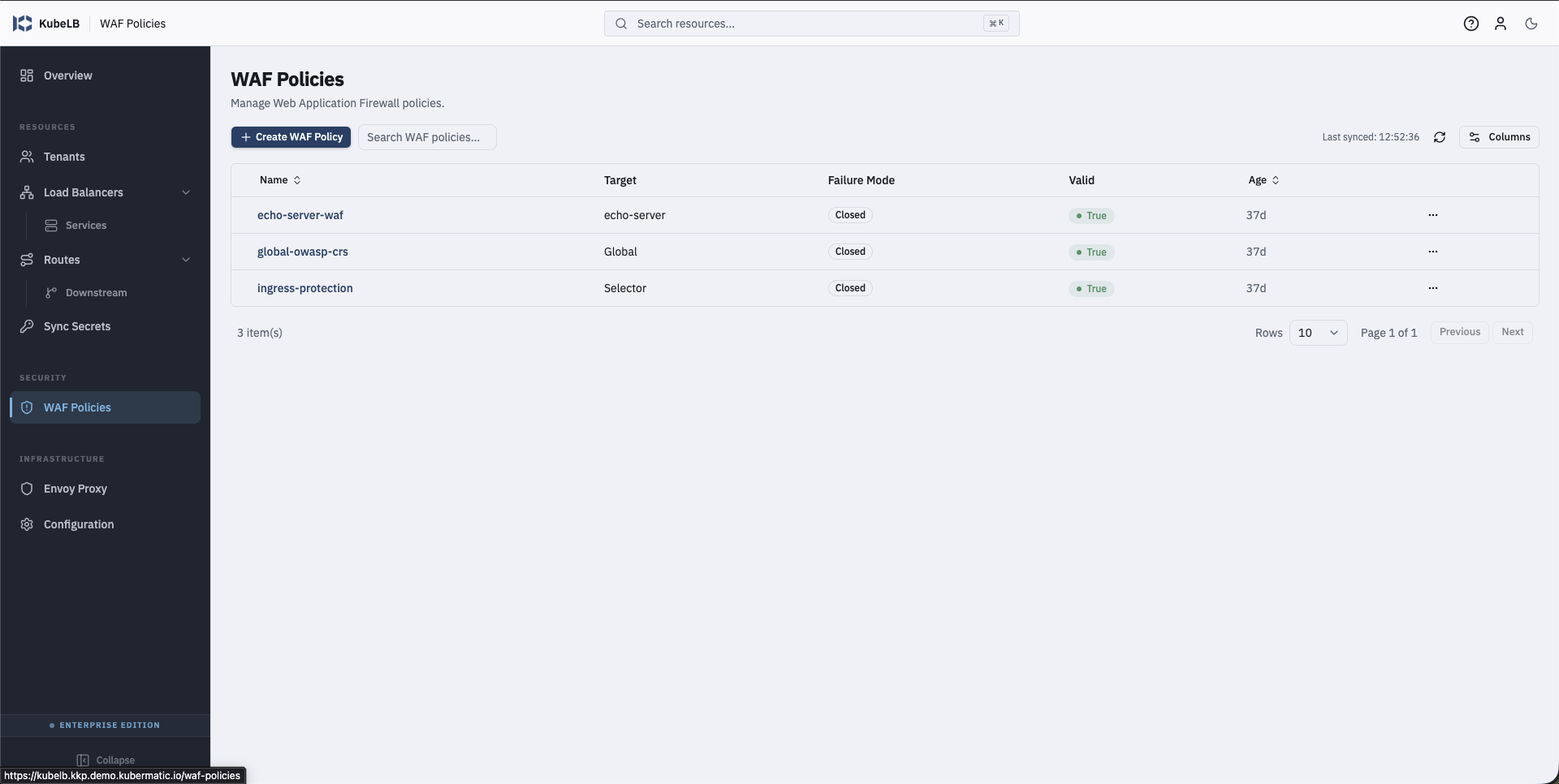
WAF policies list (Enterprise Edition):
Install
Install the dashboard from the Kubermatic OCI registry:
helm upgrade kubelb-dashboard \
  oci://quay.io/kubermatic/helm-charts/kubelb-dashboard \
  --version v1.0.1 \
  --namespace kubelb --create-namespace --install
The dashboard is deployed alongside the KubeLB Manager in the kubelb
namespace on the management cluster.
Expose via HTTPRoute
Enable the chart’s built-in HTTPRoute (Gateway API v1) with --set flags. It
is independent of ingress.enabled — both may be on simultaneously.
helm install kubelb-dashboard oci://quay.io/kubermatic/helm-charts/kubelb-dashboard \
  --set httpRoute.enabled=true \
  --set httpRoute.parentRefs[0].name=kubelb \
  --set httpRoute.parentRefs[0].namespace=kubelb \
  --set httpRoute.hostnames[0]=app.example.com
Equivalent values.yaml:
httpRoute:
  enabled: true
  parentRefs:
    - name: kubelb
      namespace: kubelb
  hostnames:
    - app.example.com
parentRefs must point at an existing Gateway. Omitting httpRoute.rules
routes PathPrefix / to the dashboard Service on service.port; override
rules for custom matches or backends.
Expose via Ingress
Enable the chart’s built-in Ingress with --set flags:
helm install kubelb-dashboard oci://quay.io/kubermatic/helm-charts/kubelb-dashboard \
  --set ingress.enabled=true \
  --set ingress.className=nginx \
  --set ingress.hosts[0].host=app.example.com \
  --set ingress.hosts[0].paths[0].path=/ \
  --set ingress.hosts[0].paths[0].pathType=Prefix
Equivalent values.yaml:
ingress:
  enabled: true
  className: nginx
  hosts:
    - host: app.example.com
      paths:
        - path: /
          pathType: Prefix
For TLS termination, pair the Ingress with
cert-manager and populate ingress.tls and
ingress.annotations accordingly.
OIDC Authentication
OIDC is off by default. The underlying API reads the following environment variables:
| Variable | Required | Default | Description |
|---|---|---|---|
OIDC_ISSUER | Yes | — | OIDC provider issuer URL (e.g. https://dex.example.com) |
OIDC_CLIENT_ID | Yes | — | OIDC client ID |
OIDC_CLIENT_SECRET | Yes | — | OIDC client secret |
SESSION_SECRET | Yes | — | 32+ char secret for encrypting session cookies |
OIDC_REDIRECT_URI | No | http://localhost:{PORT}/auth/callback | Callback URL registered with IdP |
OIDC_SCOPES | No | openid email profile groups offline_access | Space-separated scopes |
SESSION_MAX_AGE | No | 86400 (24h) | Session cookie max age in seconds |
All four required variables must be set together. A partial configuration exits with an error. If none are set, the dashboard runs without authentication.
Enable OIDC via values.yaml:
auth:
  enabled: true
  oidc:
    issuerUrl: https://dex.example.com
    clientId: kubelb-dashboard
  existingSecret: kubelb-dashboard-auth
In production, supply clientSecret and sessionSecret through
auth.existingSecret rather than inline values, so secret material stays out
of the values file.
Kubeconfig (optional)
For out-of-cluster access to the KubeLB management API, mount a kubeconfig through an existing Secret:
kubeconfig:
  existingSecret: kubelb-dashboard-kubeconfig
  key: kubeconfig
kubeconfig.key is the key inside the Secret that holds the kubeconfig file
(default kubeconfig). Leave kubeconfig.existingSecret empty to use the
in-cluster service account.
Further Reading
- kubermatic/kubelb-dashboard — dashboard repository and README
- kubelb-dashboard Helm chart README — full values reference
- KubeLB Manager installation — install the management cluster the dashboard connects to