A Blueprint is a ready-made composition of several KDP services, published as a single kind. From a platform user’s point of view it behaves like any other service: you enable it in your organization, then create one object — and KDP provisions all the underlying resources the Blueprint composes.
If you want to author Blueprints rather than consume them, see Blueprints in the service-provider guide.
Finding a Blueprint
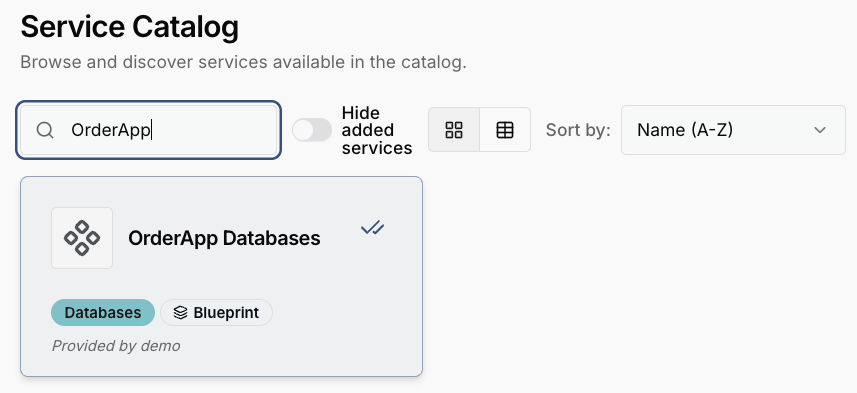
Blueprints appear in the service catalog alongside regular services, marked with a Blueprint badge. Each entry shows its title, category and description — for example an “OrderApp Databases” Blueprint that provisions two PostgreSQL databases at once.
Enabling a Blueprint
Enabling a Blueprint is the same flow as
enabling a service: click
Add to Organization in the catalog (or create the APIBinding manually). This binds the
Blueprint’s synthesized kind — served under <kind>.blueprints.kdp.k8c.io — into your
workspace.
Creating an instance
Once bound, create a single object of the synthesized kind. You only fill in the Blueprint’s
own fields (its schema); KDP expands them into the composed children behind the scenes. You
can do this through the dashboard UI, exactly as for an ordinary service.
apiVersion: database.orderapp.blueprints.kdp.k8c.io/v1alpha1
kind: DatabaseOrderApp
metadata:
  name: orders
  namespace: my-app
spec:
  name: orders
  size: 10Gi
Applying this one object causes KDP to create the two PostgresInstance children (a primary
and a replica) defined by the Blueprint — you do not create them yourself.
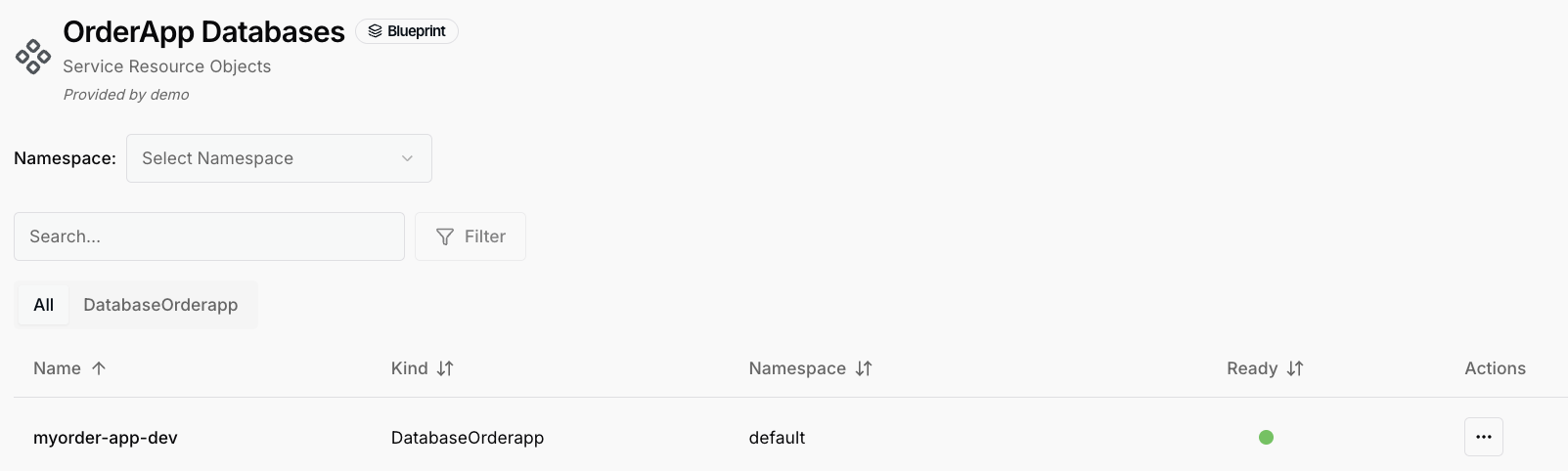
Here is our new instance:
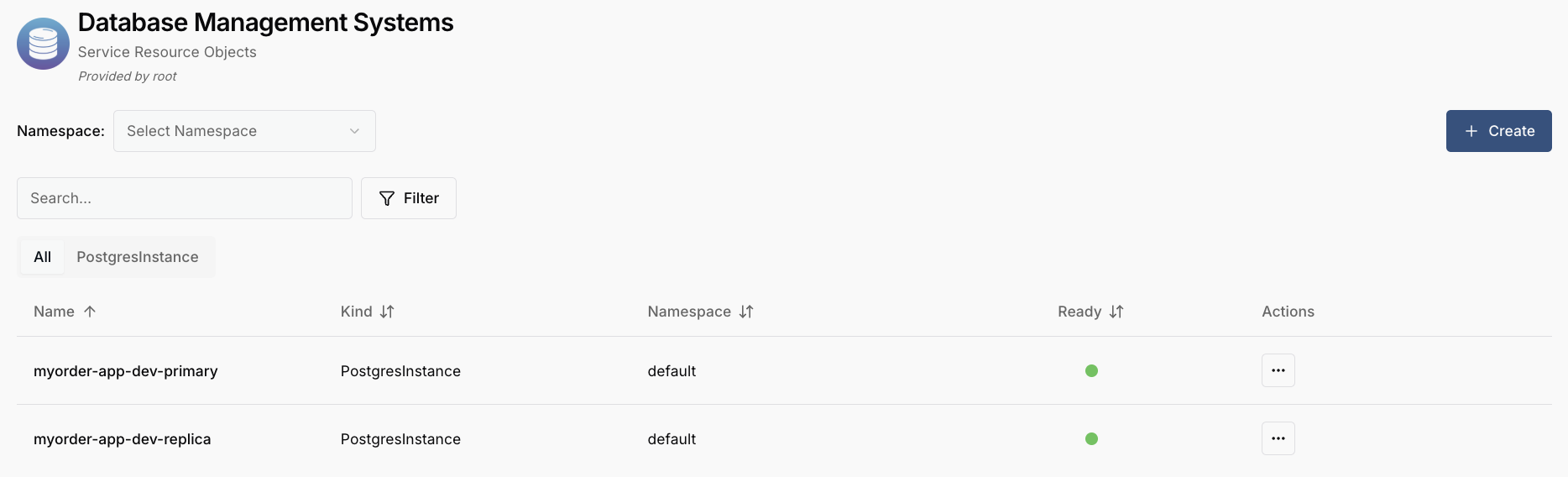
The composed children appear under the service that provides them — here the two
PostgresInstance objects, a primary and a replica, both ready:
Checking status
The instance reports aggregate progress in its status:
status.readybecomestrueonly once all composed children are ready — it is never vacuouslytruewhile the graph is still settling.status.waitingOnlists the child IDs that are still blocking, and is cleared once everything has settled.
kubectl get databaseorderapp orders -n my-app -o yaml
Deleting the instance removes the composed children automatically (they are owned by the instance) — you do not need to clean them up individually.
Related topics
- Consuming Services — enabling and using regular services.
- Managing Resources — creating and inspecting service objects.
- Blueprints (authoring) — how Blueprints are composed and published.